QuickBooks Invoice Scams Hitting Small Business Owners
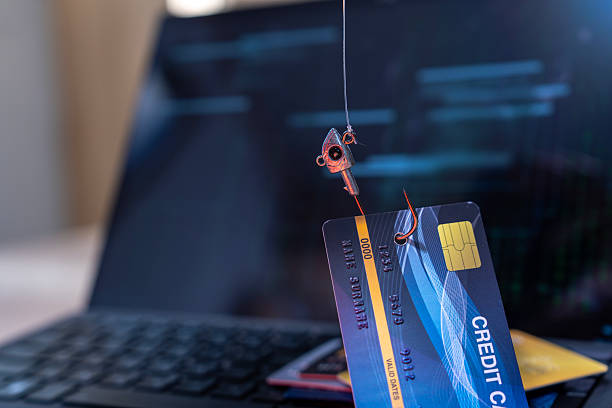
This is the QuickBooks invoice scam, and it is a fast-growing phishing attack targeting small business owners across the country. It belongs squarely in The Phishing Hall of Shame because it exploits two things you trust: the software you use to get paid, and the urgency of unpaid bills.
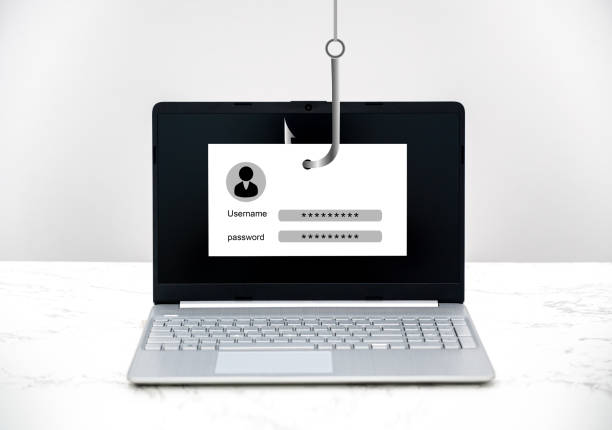
Here’s how it works. You receive an email that appears to be a legitimate invoice from QuickBooks. The “from” address might look official, like `noreply@quickbooks.invoice.com` or `billing@intuit-secure.net`. The email contains a link to “View Invoice,” often with a fake invoice number, a due date, and an amount. If you click that link, you are taken to a page that looks like a QuickBooks login portal. Enter your email and password, and the scammer now has access to your real QuickBooks account, your customer list, your banking details, and your payment history.
But the scam can get worse. Some variations of this attack do not stop at stealing your credentials. After you log in on the fake page, the scammer redirects you to a second page asking for your credit card number or bank account information to “pay the overdue invoice.” At that point, you have handed over your financial data directly. In other versions, the link downloads malware onto your computer, which can record keystrokes, steal saved passwords, or lock your files for ransom.
Why does this work so well on small business owners aged 45 to 64? Because you are busy. You handle orders, payroll, customer service, and a hundred other tasks. When an invoice appears, your instinct is to open it, pay it, and move on. You also trust QuickBooks because it has been a reliable tool for years. Scammers know this. They capitalize on your trust and your workload.
The real danger is that these emails are getting harder to spot. Early versions had obvious spelling errors or strange sender addresses. Today, scammers use real company logos, professional language, and even fake email headers that appear to come from a known client or vendor. They do their homework: they often scrape public business directories or social media to learn who you do business with. The invoice might reference a project or job you recently completed, which makes it feel legitimate.
How do you protect yourself? First, never click a link in an invoice email to log in. If you receive an invoice notification, open your web browser, go directly to QuickBooks.com, and log in from there. If the invoice is real, it will appear inside your account. If it is not, you have just avoided a trap. Second, check the sender email address carefully. Hover your mouse over the “from” name to see the actual email string. If it ends in something like `@quickbookz.net` or `@intuit-payments.com`, it is fake. Third, enable two-factor authentication on your QuickBooks account. This adds a second step, usually a code sent to your phone, that makes it nearly impossible for a scammer to log in even if they have your password.
If you fall for this scam despite your caution, act fast. Immediately change your QuickBooks password and any other account that uses the same password. Contact your bank or credit card company if you provided financial information. Report the scam to the Federal Trade Commission at ReportFraud.ftc.gov and to QuickBooks’ security team. You should also run a full antivirus scan on your computer if you clicked any link or downloaded any file.
Small business owners are the backbone of the middle-class economy, and scammers know you are a prime target because you manage your own finances and rarely have a dedicated IT department. The QuickBooks invoice scam is not going away. In fact, it is growing. The best defense is skepticism. Treat every unexpected invoice like a stranger at your front door. Verify before you open.
Remember: QuickBooks will never ask you to log in or provide payment details through an email link. If an invoice arrives demanding immediate action, stop, breathe, and go straight to the source. That one habit can save your business from the Phishing Hall of Shame.
Scam Watch
Protect it before they take it.

Year-End Tax Receipt Urgency Scheme

Debt Relief and Credit Repair Scams: How to Spot Offers That Promise Too Much