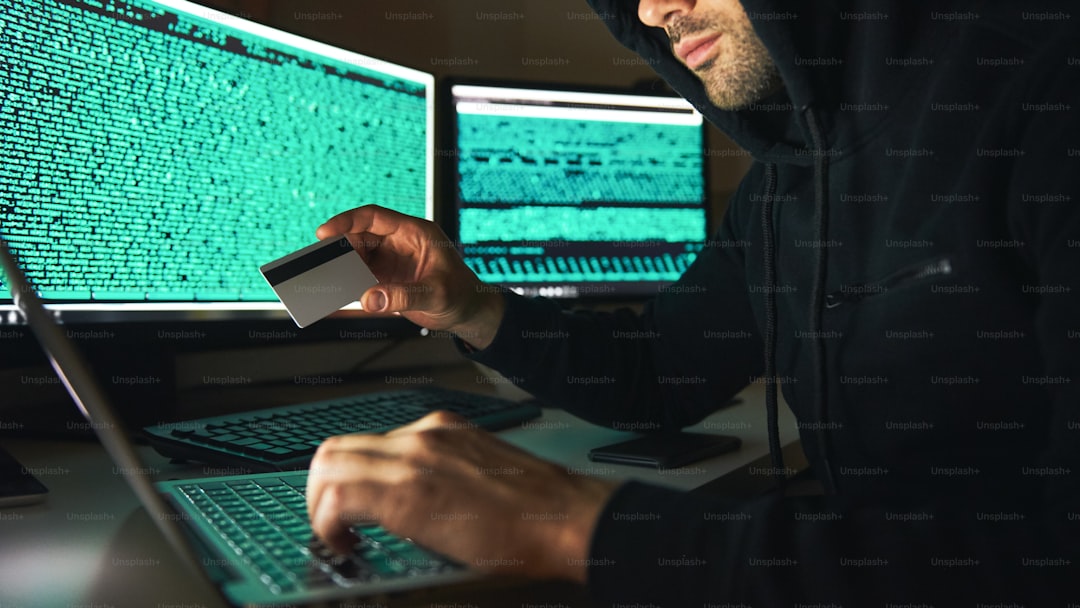
The Tech Support Phishing Scam: How Fraudsters Play on Your Fears
Tech support phishing doesn’t just happen through pop‑ups. It also comes as a phone call from someone claiming to be from “Windows Help Desk” or “Apple Security.” They say they’ve detected a virus on your machine. Or you might get an email that looks like it’s from your internet provider, warning that your router has been compromised. In every variation, the goal is the same: get you to hand over remote access to your computer, then use that control to steal your money and personal information.
How does it actually work? The scammer starts by gaining your trust. The pop‑up or phone caller uses official‑sounding language, logos plucked from real companies, and a sense of authority. They tell you that your computer is at risk and that you must act immediately. If you call the number on the pop‑up or stay on the phone, the “technician” will ask you to download a remote‑access tool like TeamViewer, AnyDesk, or LogMeIn. They instruct you to type in a code that gives them control of your screen. Once they are in, they open legitimate system tools—Event Viewer, Command Prompt—and point to routine logs that look alarming to a non‑expert. They “discover” dozens of fake errors. Then they offer to fix the problem for a fee, usually a few hundred dollars. They ask for your credit card or, increasingly, for you to buy gift cards and read them the codes.
But that is only the beginning. Once they have remote access, they can snoop through your files, steal passwords saved in your browser, access your email and banking accounts, and even install malware that records your keystrokes. Some scammers will lock your computer and demand a ransom. Others will “refund” too much money accidentally (they don’t) and then tell you to send the overpayment back via wire transfer—a classic overpayment scam layered on top of the original phishing attack.
Who is most vulnerable? People aged 45–64 are prime targets. You may have good income, own a home, and have retirement savings. You also grew up without the internet as a constant companion, so you might be less familiar with the tricks that digital natives spot instantly. Scammers know that older adults are often polite, trust authority figures, and are reluctant to hang up on a “helpful” technician. They also know that many people in this age group have never used remote‑access software and have no idea how easily it can be abused.
Spotting these scams is straightforward if you remember a few rules. No legitimate company—Microsoft, Apple, your internet service provider, or any anti‑virus maker—will ever send you an unsolicited pop‑up or phone call warning about a virus. If your computer really had a critical error, it would crash or display a message that you cannot close without restarting, not a fancy graphic with a phone number. Genuine tech support never asks for remote access out of the blue. And no reputable business demands payment in gift cards, cryptocurrency, or wire transfers. Those are almost always signs of a scam.
What should you do if you get such a pop‑up or call? First, do not call the number. Close the pop‑up by using your computer’s Task Manager (Ctrl + Alt + Delete on Windows, or Force Quit on a Mac). If you cannot close it, restart your computer in Safe Mode and run a full anti‑virus scan. Never give remote control of your computer to anyone who contacted you unsolicited. If someone calls you claiming to be tech support, hang up. Do not engage. Do not argue. Just hang up.
If you have already been tricked, take action now. Disconnect your computer from the internet immediately. Change all your passwords using a different, trusted device. Contact your bank and credit card companies to report possible fraud. Run a full malware scan with a reputable security program. And report the scam to the Federal Trade Commission (FTC) at ReportFraud.ftc.gov. You should also file a complaint with the FBI’s Internet Crime Complaint Center (IC3).
Tech support phishing is not a minor nuisance. It is a direct assault on your personal finances and digital security. The scammers count on your fear and your good manners. They rely on you not knowing how the technology really works. But now you do know. The next time a fake error message pops up, you will not panic. You will close it, report it, and move on. That is how you beat the scam at its own game.
Scam Watch
Protect it before they take it.


How to Spot Title Washing: When a Salvage Car Pretends to Be Clean
Fake Rental Listings: How to Spot a Deposit Scam Before You Pay